Teach from home, on your own terms
Set your hours and your rules, and choose which bookings to accept. Your lessons, materials and homework live in one place, so you can spend your time teaching.
- You accept or decline every booking
- Your own notice and cancellation rules
- Teaching tools built for one-to-one lessons
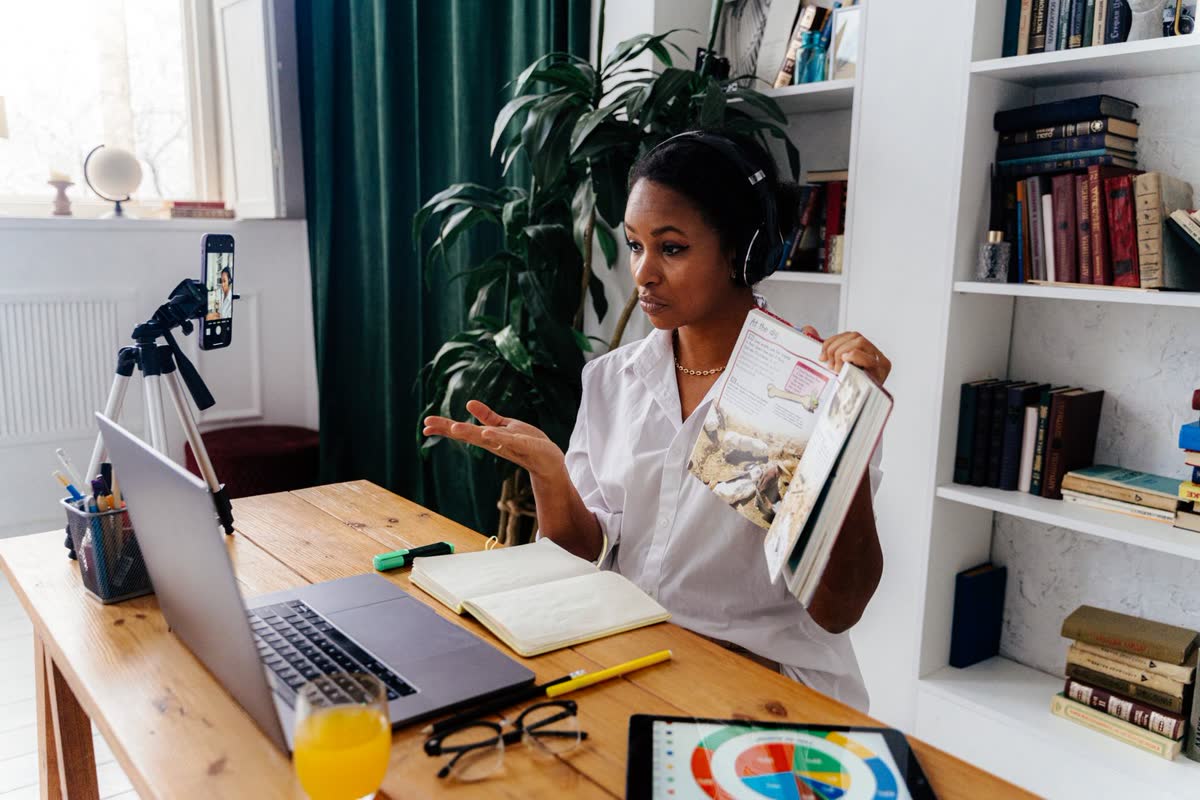
on your desk or your instrument
From sign-up to your first student
-
Create your profile
Add a photo, the subjects you teach, the languages you teach in, and a few words about yourself.
-
Get approved
Our team reviews every profile. If something needs changing, we tell you what. Once approved, you're listed.
-
Set your hours
Add your weekly hours in your time zone, time off, and lesson types with their length and rules.
-
Accept bookings
Students send requests for your free times. You get an email and accept or decline, with a message if you like.
Everything for teaching, in one place
Built for one-to-one lessons: fewer tabs, fewer tools, more time with your students.
Your calendar, your rules
Decide how much notice you need and how late students can move or cancel. Drag a lesson to move it; the student is told.
Regular lessons
Weekly, fortnightly or monthly lessons are booked in one go, and each one can still be moved on its own.
Bring your own students
Add the students you already teach and schedule their lessons yourself. Invite someone to a trial lesson with just a link.
A library of materials
Upload PDFs, Word, PowerPoint and images once. Attach them to lessons, show them on screen, and write on them together.
A shared whiteboard
Draw and write together, with pages you can turn. Put a worksheet on the board and work through it side by side.
Recordings
Record a lesson with one button. You and your student can watch it again, whiteboard and all, or download it as a video.
Homework and feedback
Set tasks with worksheets and due dates. Mark the work on its whiteboard, write feedback, or send it back for changes.
Ratings that build trust
After a lesson, students can rate it and leave a comment. Your average shows on your page and in the tutor list.
Reminders for both of you
Emails with calendar invites, reminders the day before and just before each lesson, and a calendar feed for your phone.
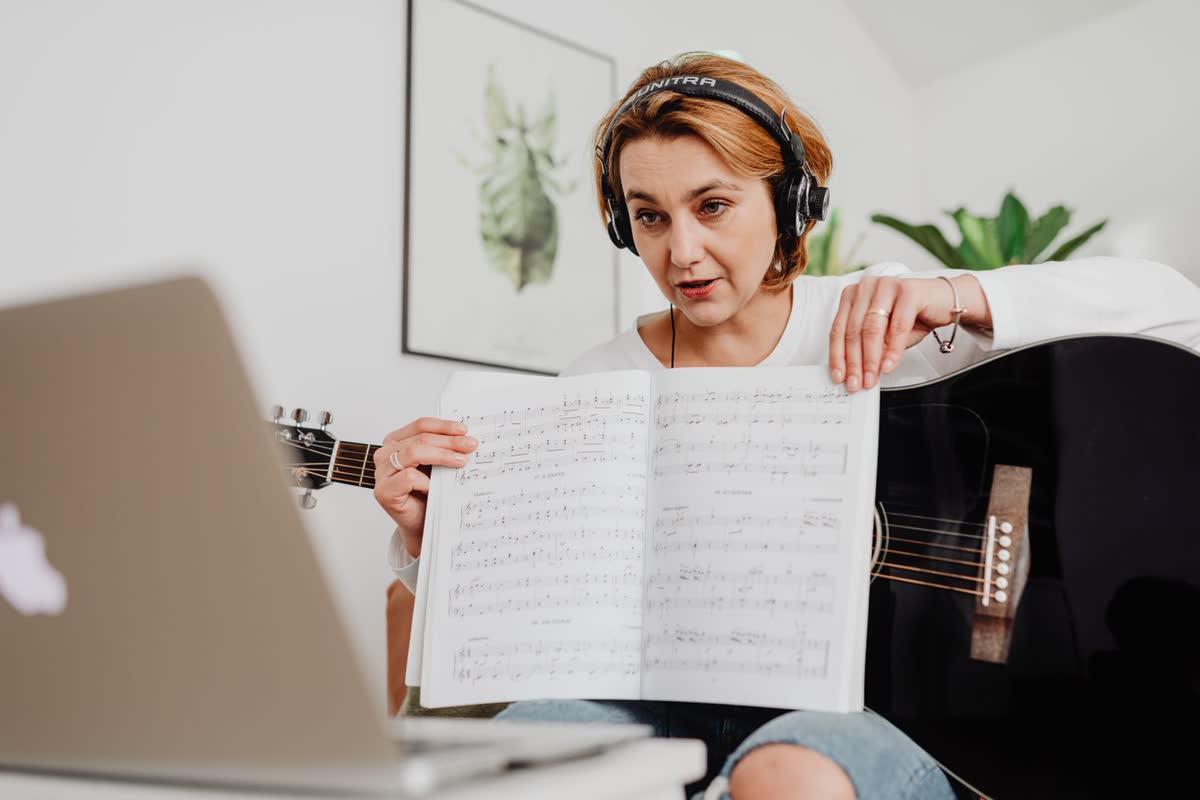
You stay in charge of the room
- A waiting roomYour student waits until you let them in.
- Extra camerasAdd a second webcam, or use your phone, to show your hands on the keyboard, your notebook or your desk.
- One stagePut a document, the whiteboard, your screen or a camera front and centre, for both of you.
- Simple controlsMute a microphone or remove a participant when you need to.
Tutors often ask
Who can teach?
Anyone with something to teach and a profile our team approves. You need a profile photo, the subjects you teach and the languages you teach in. If your profile needs changes, we tell you exactly what.
Do I have to accept every booking?
No. Every lesson a student books is a request until you accept it. You can decline with a short message. Lessons you schedule yourself are booked straight away.
Can I teach students I already have?
Yes. Add them under Students and schedule their lessons yourself. They get an email to set a password. For a one-off trial lesson, send a guest a link; they don't need an account.
What do I need?
A computer with a camera and microphone, a stable internet connection, and an up-to-date Chrome, Edge or Firefox. A phone with Chrome makes a handy second camera.
Can I teach in my own language?
Yes. Choose the languages you teach in, and students can filter by them. The app itself is in English, Spanish, French, Russian, Ukrainian and Polish.
Start teaching
Create your account, choose “I want to teach”, and fill in your profile.